

Hack #1: Customize Your Subscribe Buttons
💡5-MINUTE DIGITAL HACKS: 30 Substack Hacks 2025


➔ If you're looking for the perfect emoji for your message, check out Emojipedia. It’s a great resource where you can search for any emoji and copy it with just one click!
How to Copy and Paste with Your Keyboard
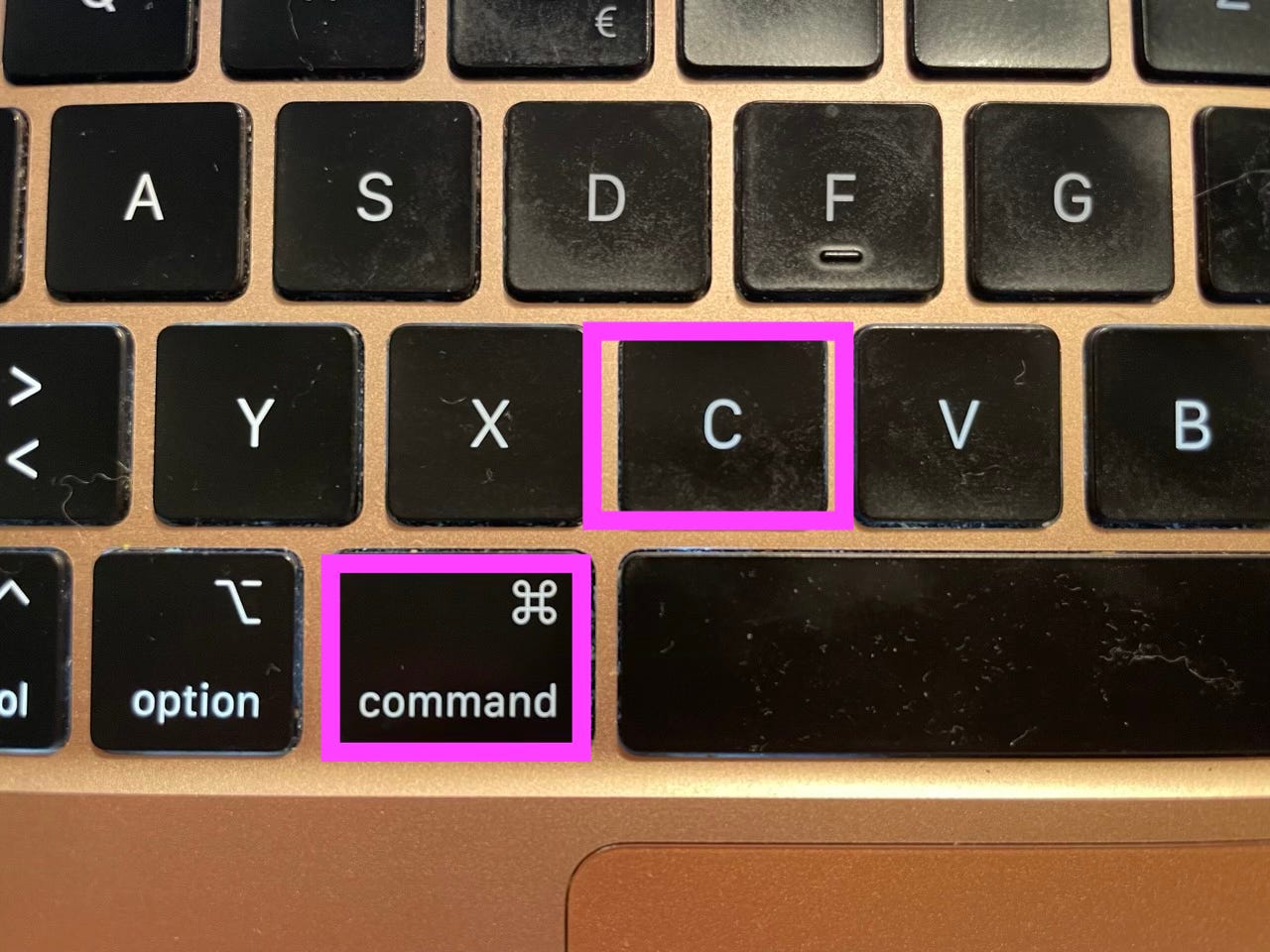
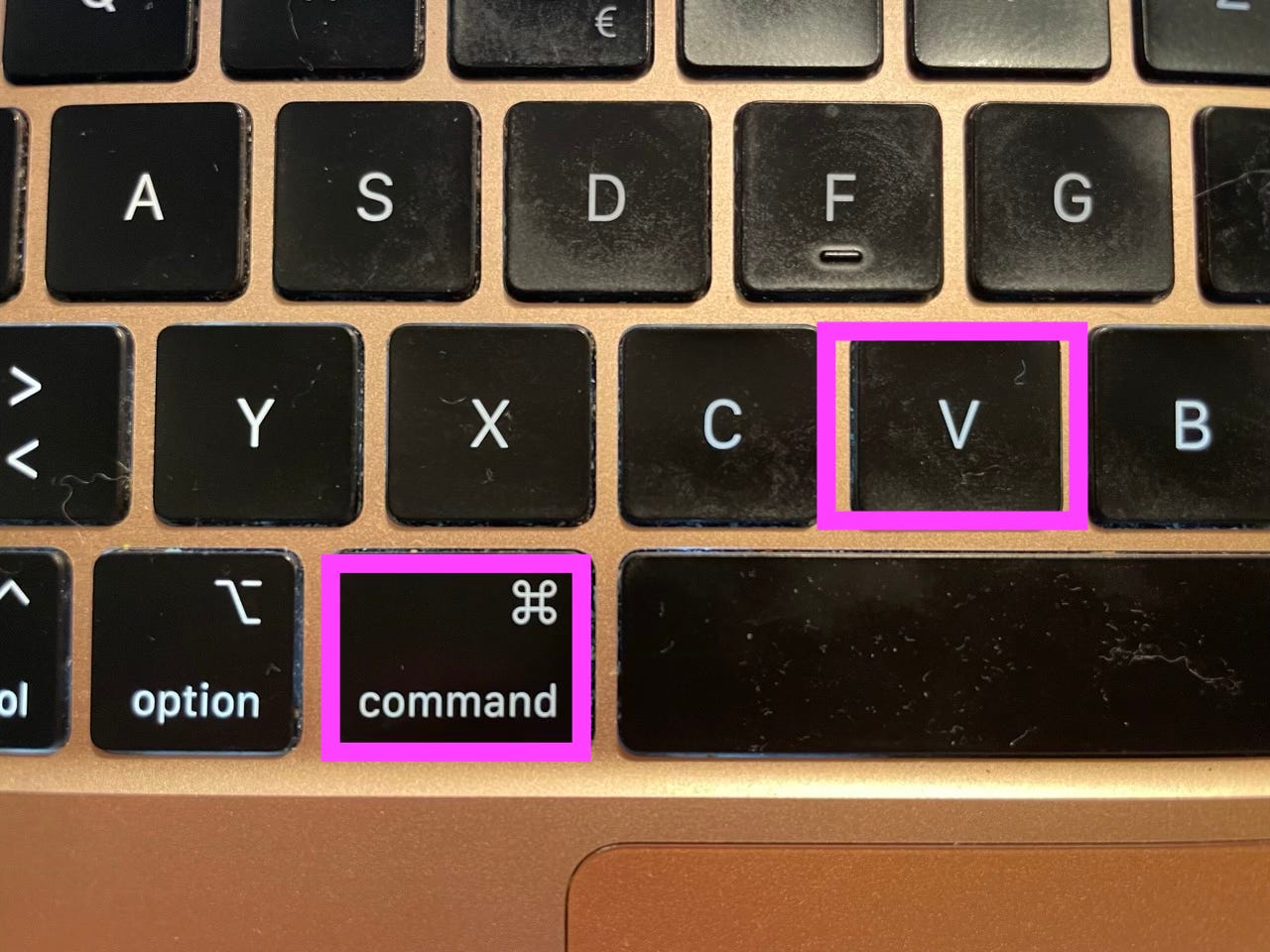
If you're using a Mac, you can quickly copy and paste text or emojis using simple keyboard shortcuts:
Copy: Press
Command (⌘) + CPaste: Press
Command (⌘) + V
This saves time and makes inserting any link or emoji into your messages easy. Try it out!

Copy: Press
Command (⌘) + C
Paste: Press
Command (⌘) + V
Ask questions, and drop them below. I’ll answer every single one!
Share this post if you find it useful.
I am thrilled that you are joining me on this ride.
Cheers,
SILKE KRISTIN ❁
